Your first build
Your first build
Six steps take you from one sentence about your business to a store, an app or a site that is live and running. This page is the map.
Every build on ZB Stack follows the same path, whether it is an online store, a client project or a new product. You describe what you want. Your AI team plays it back, proposes a plan with a price, does the work, checks it, and launches it on ZB Cloud. Maestro routes every task to the right model and cloud along the way.
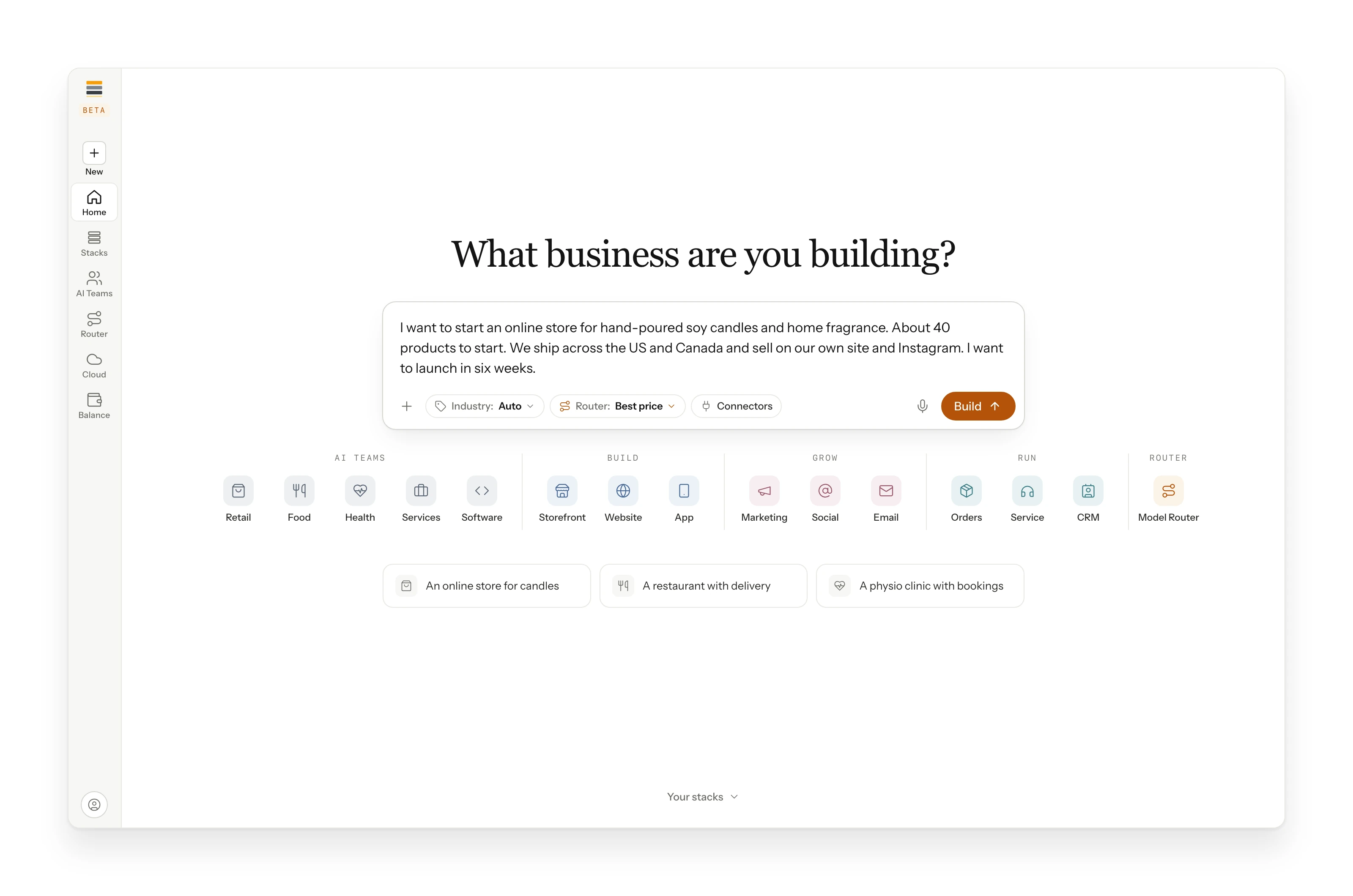
The pages in this section follow one example from start to finish: Northwick Candle Co., a soy candle store that sells in the US and Canada. It is our example build, so every screen and every number comes from the same record.
The six steps
- 1
Apply for access
Tell us what you want to build. A person reads it and tells you which models your program sponsors. Read more
- 2
Describe it
What you sell, who it serves and what you need next, in your own words. Read more
- 3
Read the playback
A short summary of your business comes back. Correct anything before a plan is proposed. Read more
- 4
Choose the scope
A list of the systems your business needs, each with its cost. Switch one off and the total drops. Read more
- 5
Work with your AI team
Plans, designs, code and check results arrive in shared channels as they finish. Every result is checked. Read more
- 6
Launch and track
Approved work goes live on ZB Cloud. The record holds every task with its model, its cloud and its cost. Read more
What you need
- An idea, a business, or a goal for the business you already run.
- A few sentences about it. Plain words are perfect.
- Nothing to install. ZB Stack runs in your browser, and every model runs through it, on one balance.